Moving from spreadsheets to Tellisto
No software to export from, just a spreadsheet, a notes app and your inbox? List the clients and shoots you have on now, then add them to Tellisto.
3 things to set up · about 27 minutes all up
Skip to the setup ↓The safe order for moving across, in 36 seconds.
What this does
There’s no export to run and no CSV to prepare. If you’ve been working from a spreadsheet, a notes app and your inbox, the job is deciding which work is still going and putting that into Tellisto.
You don’t need to move years of history across. The spreadsheet stays where it is as your archive, and Tellisto starts with the clients, conversations and shoots happening now.
Set it up
Step 1 of 3 · 10 min
Round up what you've got
A short list: the clients with a shoot coming up, the conversations still open, and anything booked in the next three months.
- Open your spreadsheet, your notes app, and your inbox, and make one pass through each. You're not archiving anything, just noting who's still active: clients with a shoot coming up, people you're mid-conversation with, and anything booked in the next three months.
- Write the list down somewhere simple (a fresh note or a scrap of paper is fine). For most photographers this is a dozen or so names, not the whole client history. You're only bringing across work that's still going, not years of old bookings.
Step 2 of 3 · 15 min
Set up your live work in Tellisto
Your current clients, open conversations and booked shoots set up in Tellisto and ready to use.
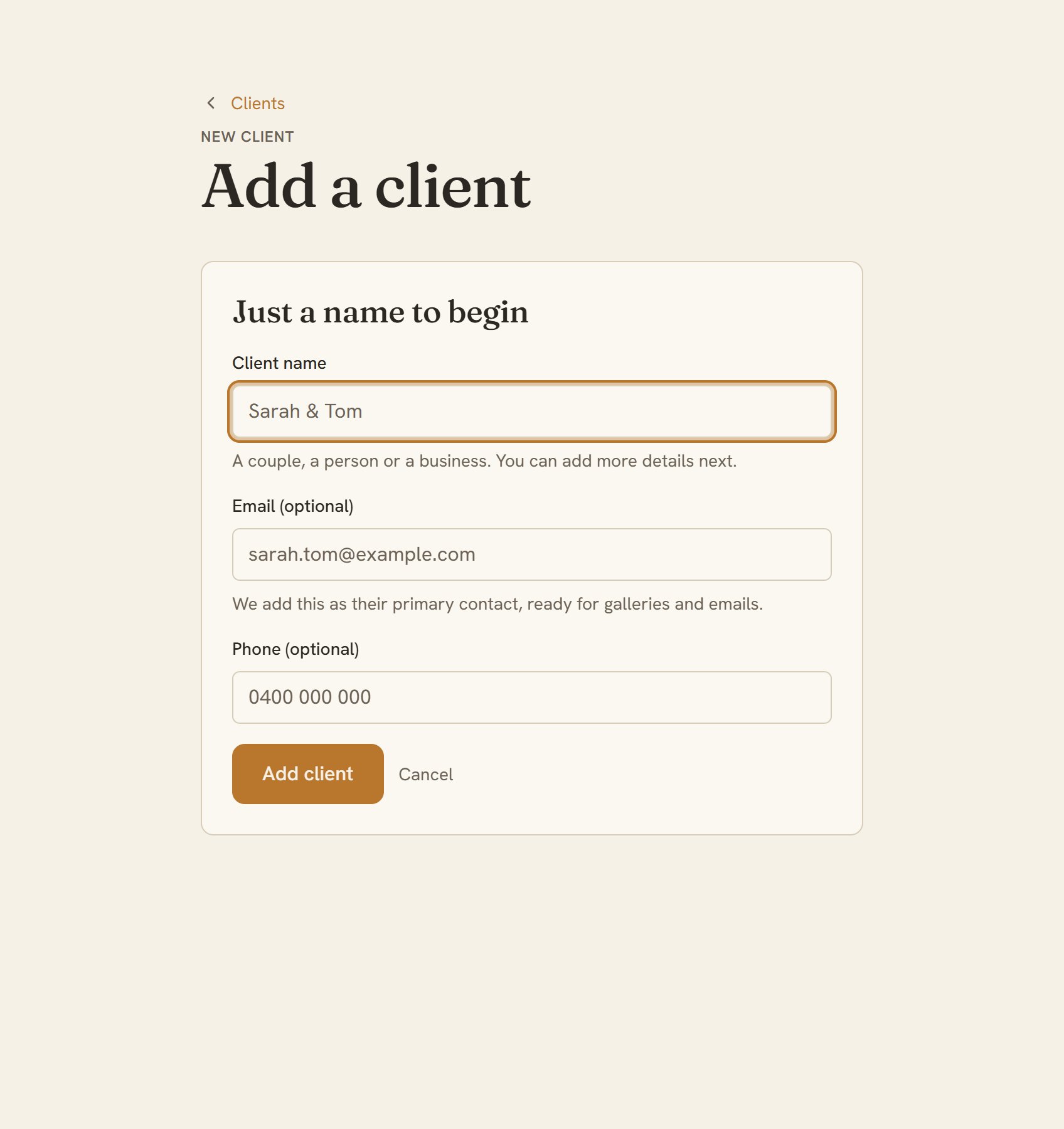
- Start with the clients on your list. Add each one with a name, email, and phone number. A dozen or so takes about ten minutes. Add a client
- Add the conversations still open as leads. Put the gist of where things stand in the enquiry detail, so the thread isn't lost. Add a lead
- Add the shoots you've already booked. Pick the client you just added, set the date and location, and the deposit and total if there's money attached. Tellisto carries the client's details across, so there's no re-typing. Add a booking
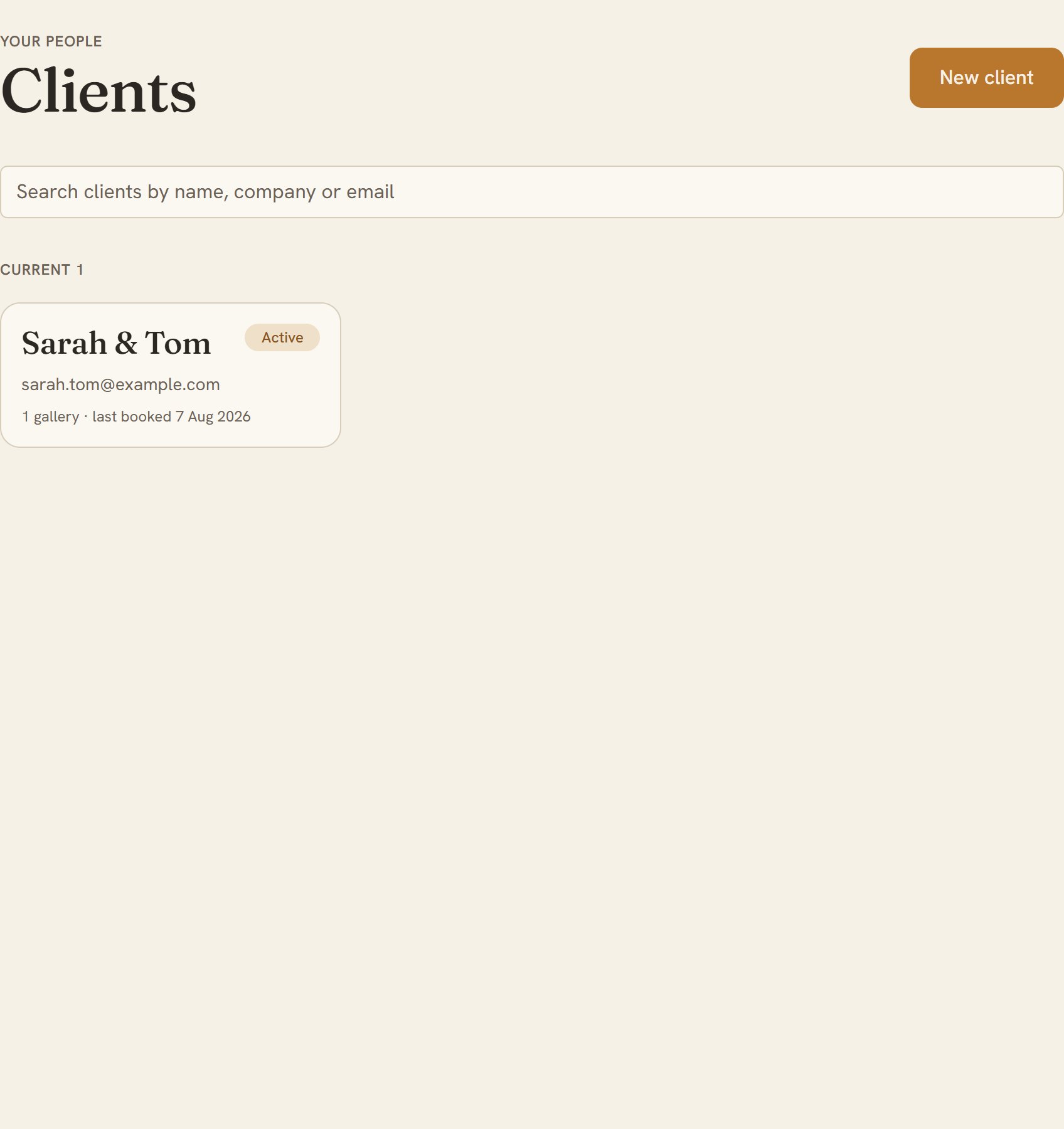
- Now check it. Open your Clients list and look for everyone you're working with this month, each with an email or phone number. From today, that list is the one you work from. Open your Clients list
Step 3 of 3 · 2 min
Retire the spreadsheet
The spreadsheet kept as your archive, with every new job going into Tellisto.
- Keep the spreadsheet where it is and stop updating it. It's still your record of everything that happened before today. You just won't add to it.
- From here, send new enquiries to Tellisto instead of your inbox or a new spreadsheet row. If you're setting that up, the capture enquiries guide covers it next.